Batch Watermark PDF
Add consistent text, logo, or combined watermarks to PDF batches on your Windows PC. Your documents stay on the device.
What it does
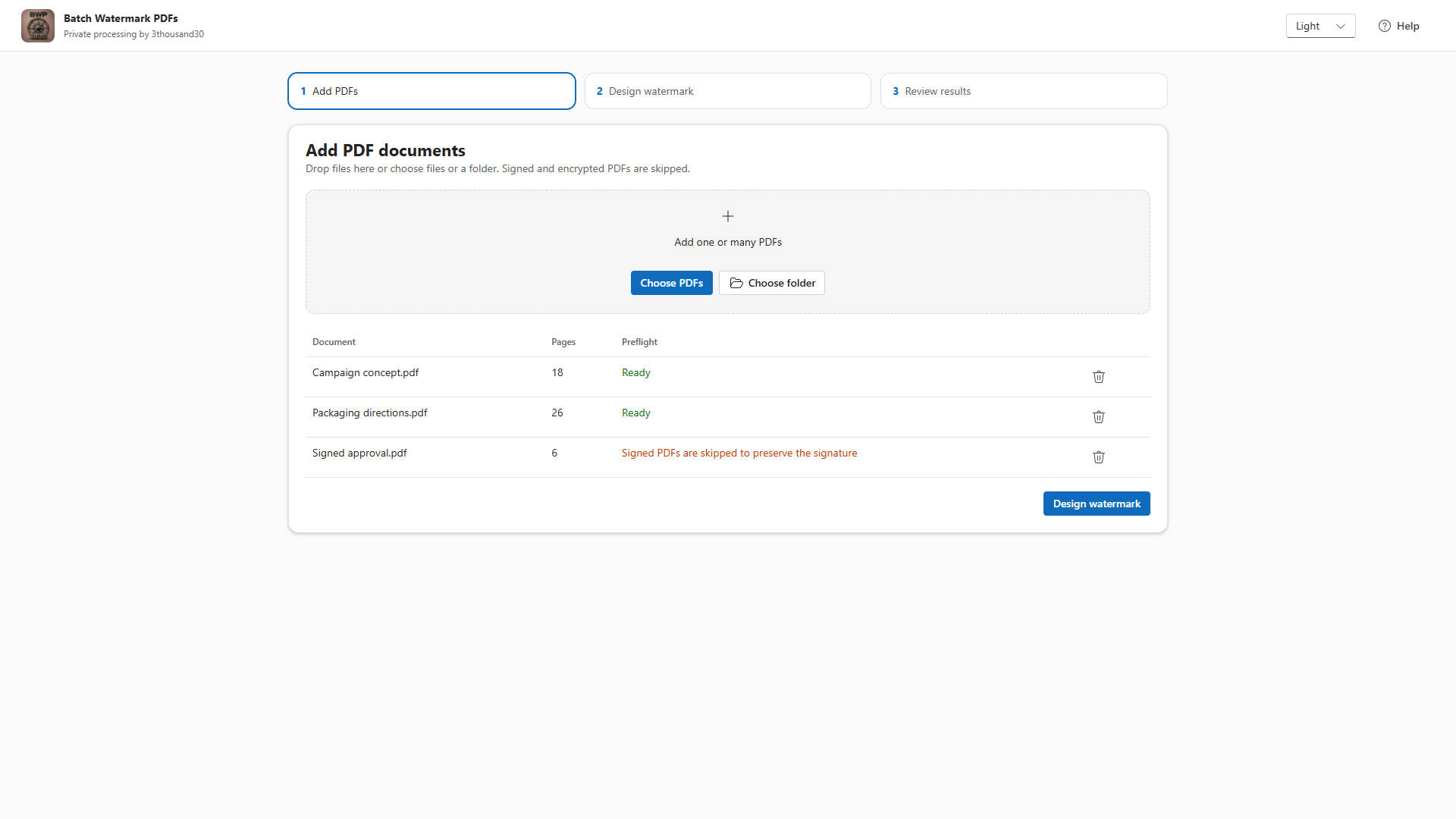
- Adds text, PNG, JPEG, or combined watermarks across many PDFs.
- Controls placement, rotation, opacity, edge margin, text color, tiling, page ranges, and above- or below-content layering.
- Shows a live Original, Watermarked, or Split preview as you adjust settings, before you run the batch.
- Preserves PDF text, links, forms, annotations, page boxes, and existing resources in the normal workflow where the source file allows it.
- Skips signed, encrypted, malformed, and unsupported PDFs instead of risking damage.
Local by design
Batch Watermark PDF reads the files you select, writes validated copies to the output folder you choose, and never uploads document contents for watermarking.