Batch Protect PDFs
Apply AES-256 passwords and PDF permission policies to document batches on your Windows PC. Your files and passwords stay on the device.
Get started Passwords and permissions
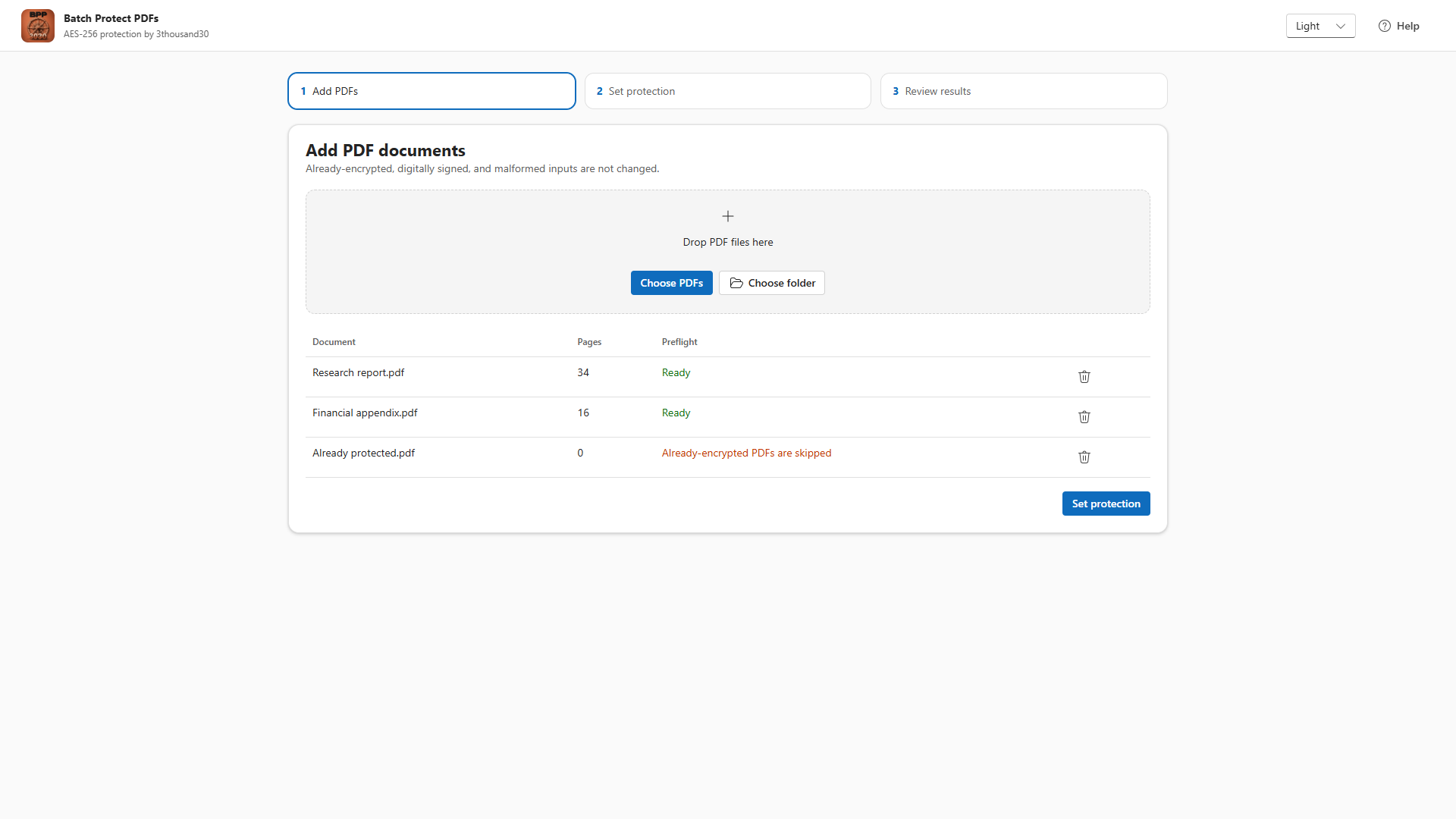
What it does
- Creates AES-256 protected PDF copies.
- Supports optional open passwords and required separate owner passwords.
- Generates strong owner passwords when you need one.
- Controls metadata encryption and viewer permission policies.
- Verifies correct credentials and rejects an intentionally wrong password before promoting each output.
- Skips signed, already-encrypted, malformed, and unsupported PDFs instead of risking source files.
Local by design
Batch Protect PDFs reads the files you select, holds passwords only for the active workflow, writes validated protected copies to the output folder you choose, and never uploads document contents.