Getting started
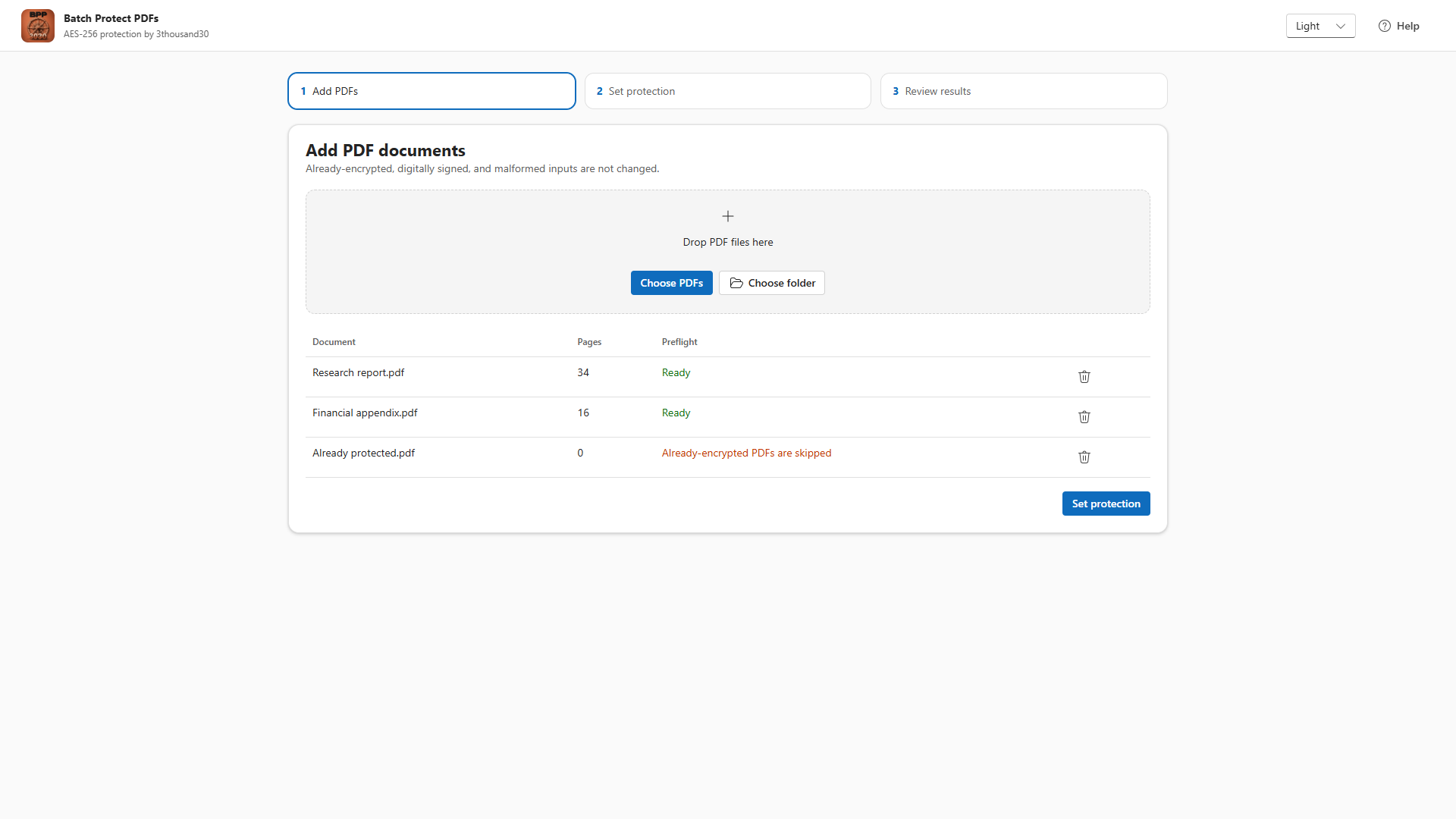
1. Add PDFs
Add PDF files or choose a folder. The app runs preflight checks and skips signed, already-encrypted, malformed, or unsupported files.
2. Set passwords
Choose whether recipients need an open password to view each PDF. Set a required owner password for changing protection settings. You can type your own owner password or generate a strong one.
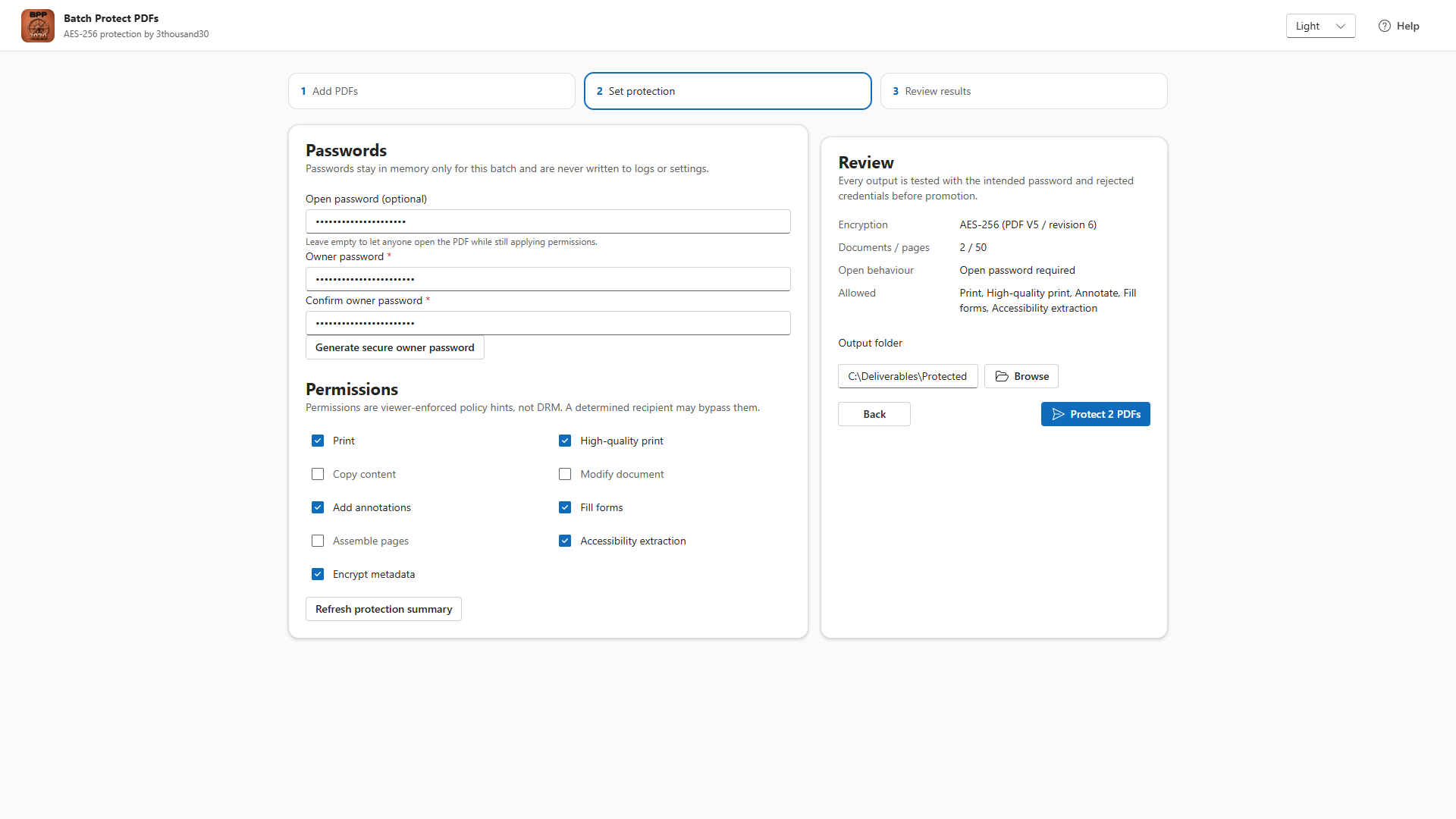
3. Choose permissions
Select the viewer policies you want to communicate, such as printing, copying, editing, annotations, forms, page assembly, and accessibility access.
PDF permissions are viewer-enforced policy hints, not DRM. They are useful for ordinary recipients and compatible viewers, but they cannot stop every determined recipient from copying visible information.
4. Review and run
Confirm output folder, collision handling, metadata encryption, and skipped files. Inputs are never overwritten directly.
5. Verify outputs
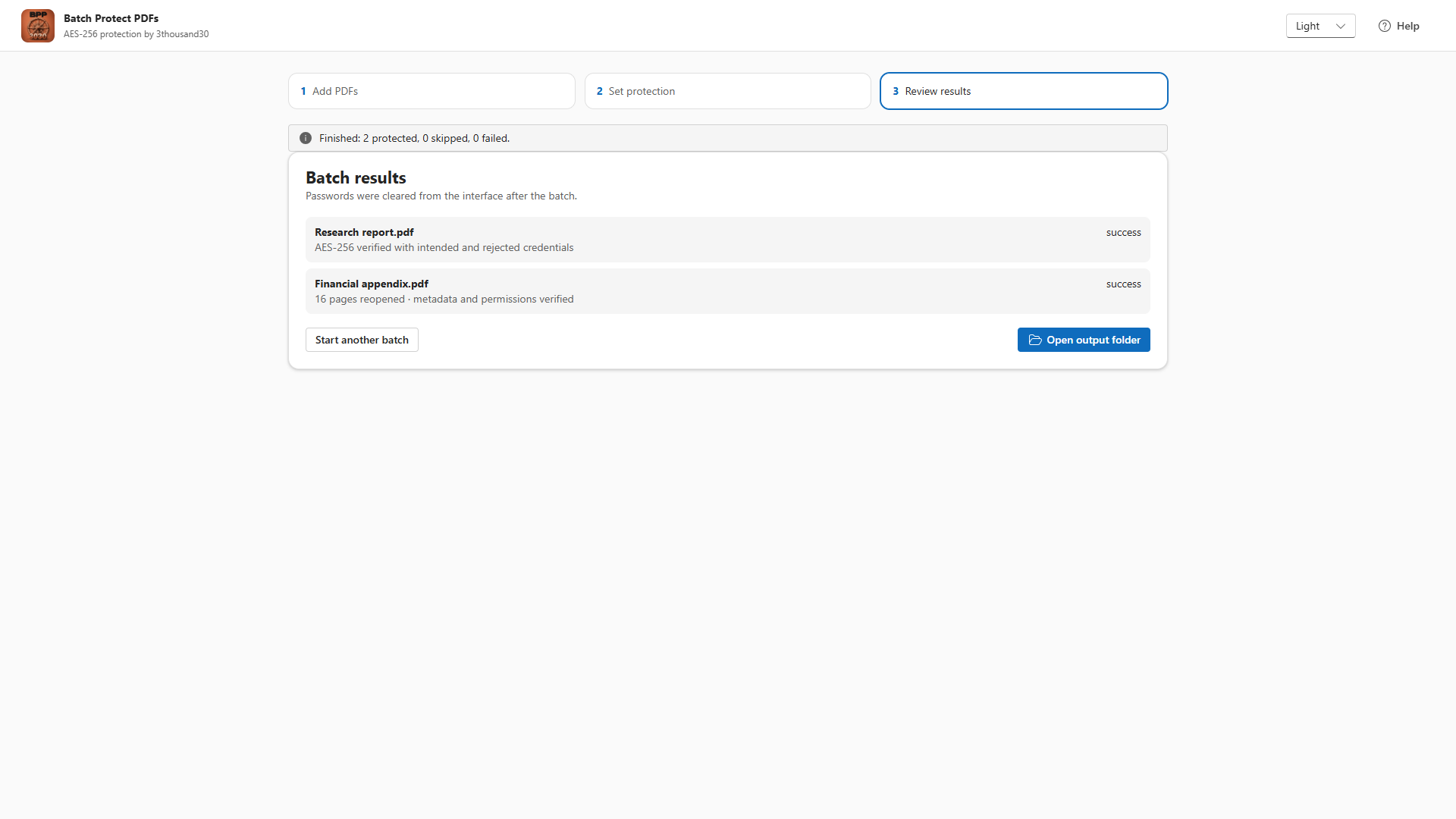
Each temporary output is reopened with the intended credentials, checked against an intentionally wrong password, and then promoted only after validation.